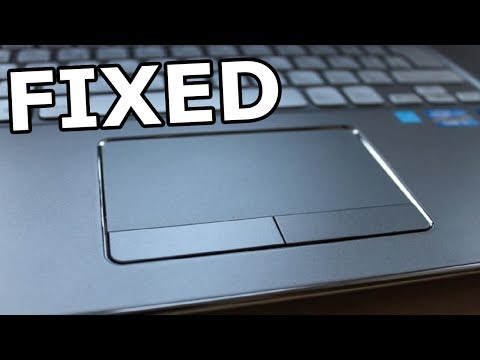
Why is my laptop touchpad not working?
=========================== 1 . RESTART YOUR SYSTEM
Turning your computer off and back on can fix a lot of problems—including a laptop mouse or touchpad that's not working. When the operating system is unresponsive or frozen, the other hardware on your laptop may stop working as well. Turn it off and on again and see if that fixes the issue.
2.CHECK FOR DIRT 3.DISCONNECT BLUETOOTH DEVICES. 4.ENABLE THE TOUCHPAD How to enable your laptop touchpad in Windows™ 10: 1.Press the Windows key and type “Touchpad”. Then select Touchpad settings. 2.Check to see if the touchpad is activated. If it's turned Off, press Shift + Tab to navigate through the options. 3.Press the Spacebar to turn the touchpad feature On, then test the touchpad to see if it works.
5.UPDATE YOUR LAPTOP DRIVERS